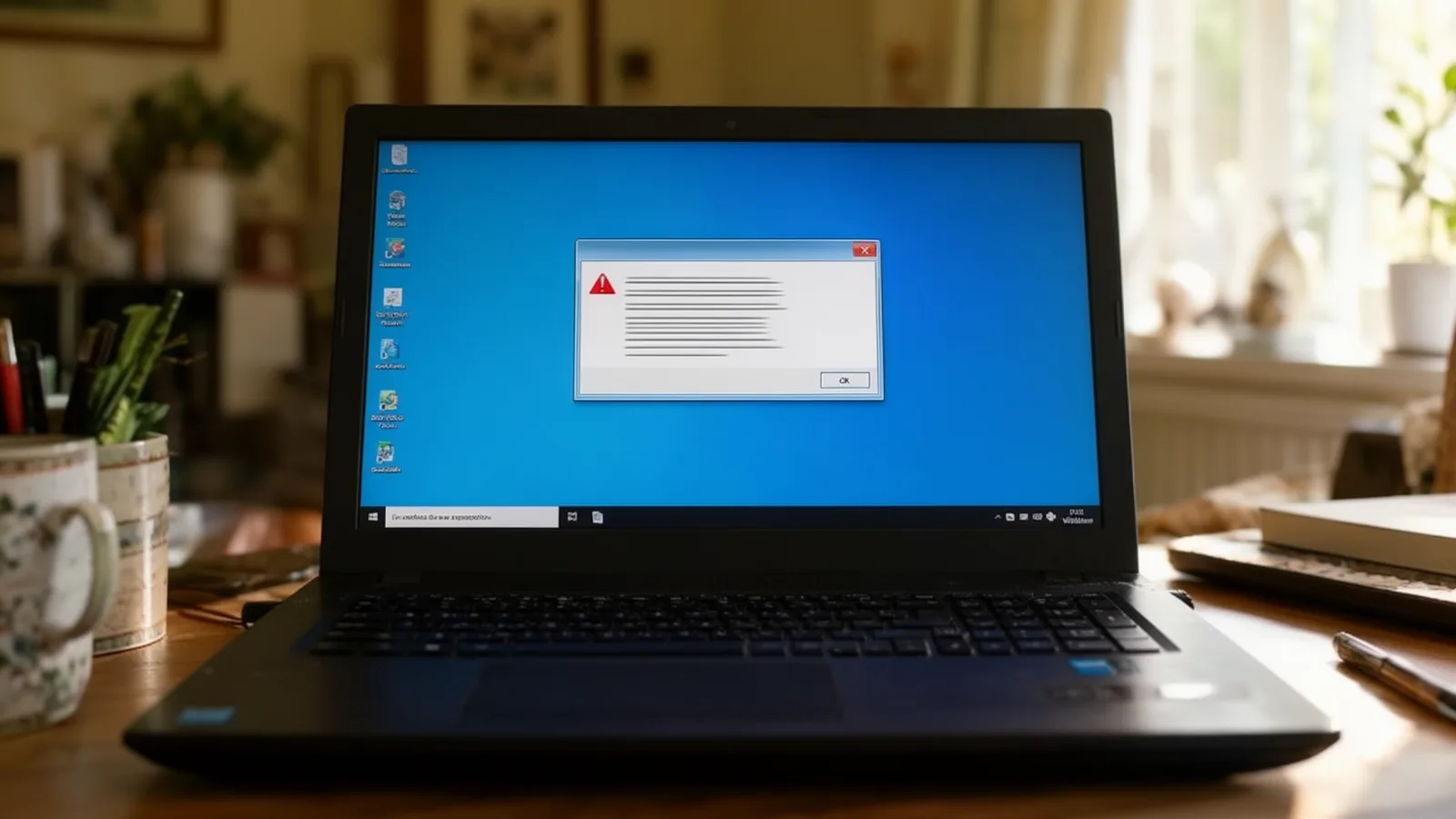
A fake Microsoft or HMRC pop-up is a web page built to look like a locked computer so that you ring the number on it. Your PC has not been locked by Microsoft or HMRC. Microsoft says its real error and warning messages never include a phone number, so a warning that tells you to call one is a scam.
What to do first
These steps work whether you have rung the number or not. If you have, skip to what to do if you already rang or let them in. A check and clean-up after a scam call is something you book yourself.
- Do not ring the number on the screen.
- Close the browser. Press Alt+F4. If nothing happens, press Ctrl+Shift+Esc, pick the browser in Task Manager and choose End task. If you cannot close it at all, restart the computer. A forced restart loses unsaved work, so use it last. When the browser reopens, do not restore the previous tabs.
- Do not install anything and do not let anyone connect to your PC. A bank or service provider will never contact you out of the blue asking for remote access to your device.
- If you already rang, installed something or gave details, contact your bank straight away. Use the number on the back of your card or call 159, and use a different phone or device from the one the scammer used. Then report it (see below).
I already rang the number or let them in: what now?
Ringing the number is not the end of the world. The damage comes from what you did on the call: installing something, giving access, or reading out or typing in details. Work through these in order.
- Disconnect the PC from Wi-Fi and Ethernet and leave it off the network until it has been checked.
- Call your bank first if you shared card or banking details or paid anything. Use the number on the back of your card or call 159, from a different phone.
- Change your email password first, then banking and shopping passwords, from a clean device, not the affected PC.
- Uninstall whatever they asked you to install, run a full scan, and watch your bank statements for the next few weeks.
- Report it (see below).
If someone did get remote access, that is the point where many people want the machine checked properly. You can book a check online or ring (01344) 288177; I would rather you ring me than the number on the screen.
Why the pop-up looks so convincing
Microsoft describes these pages as putting your browser on full screen and showing pop-up messages that will not go away, essentially locking the browser. Some add alarming sounds or recorded voices. Nothing on the page is a real Windows or HMRC alert. It is a web page, and closing the browser closes it.
| What the pop-up says | What is really going on |
|---|---|
| "Windows Defender has blocked your PC" | A web page dressed in Microsoft colours to make you call. |
| "Call Microsoft Support on 0800..." | Microsoft says real warnings never include a phone number. |
| "Do not shut down your computer" | A bluff to keep you on the page and on the phone. |
| "HMRC or bank security alert" | A fake alert. Scammers also use big news stories, such as the July 2024 IT outage, to make messages look timely (NCSC). |
What happens if you let a caller connect
The caller asks you to install a remote access tool. Once connected, they show you ordinary system output and claim it proves your PC is infected, then ask for a one-off fee or a "subscription" to fix it. On its own, a pop-up cannot see your bank details. The danger starts when you type them in, read them out, or install or download anything the page or the caller asks for. In clean-ups I have found browser-saved passwords exported and keyloggers installed to capture banking logins, so a caller who connects can do far more than fake a scan.
Cleaning up a Windows PC afterwards
If you switched the computer off or closed the browser before ringing anyone, a browser reset and a scan are usually enough. If a caller did connect, the clean-up covers four things:
- Disconnect the PC from Wi-Fi and Ethernet before it is switched on again.
- Remove the remote access software and any browser extensions you did not choose, and check what starts with Windows.
- Reset the browser profile, then change email and banking passwords from a clean device.
- Turn on 2-step verification, use a password manager, and use passkeys where a service offers them (NCSC and Stop! Think Fraud).
Clean-up can be done remotely or on-site, whichever suits you. Unlike a cold call, it is something you book yourself. Details are on the virus and scam removal page, and the same service covers home visits around Ascot and the surrounding towns. For what a Windows reset does and does not remove, see can malware survive a Windows reset.
Where to report it in the UK
- Lost money or gave someone access: speak to your bank first, then report to Report Fraud or call 0300 123 2040. Report Fraud replaced Action Fraud for England, Wales and Northern Ireland on 4 December 2025. In Scotland, call Police Scotland on 101.
- Suspicious emails: forward them to report@phishing.gov.uk (NCSC). For HMRC scams, forward to phishing@hmrc.gov.uk.
- Suspicious texts: forward them free to 7726. For HMRC texts, use 60599.
- The scam itself: you can report it to Microsoft at microsoft.com/reportascam.
- Anyone in immediate danger: call 999.
More general advice is in the NCSC top tips for staying secure online.
Frequently asked questions
Can a browser pop-up steal my bank details by itself?
No. A pop-up cannot see your bank details unless you type them into a fake form, read them out over the phone, or install or download something it or a caller asks for.
How much does a visit cost?
Work is charged at £25 per 15 minutes. On weekdays a home visit has a 30-minute minimum (£50) in SL5 and a 1-hour minimum (£75) elsewhere. At weekends the first hour is £75 in SL5 and £100 elsewhere. There is no travel surcharge. I am not VAT registered, so there is no VAT on top. Phone and remote diagnosis is free until I tell you what is wrong and what it will cost, normally within about 15 minutes. Current rates are on the pricing page.
Can you come out the same day?
Same-day visits are possible when booked by 3pm on weekdays or 2pm at weekends, subject to availability, with a maximum of 2 home visits a day. Same-day completion is attempted, not guaranteed, and the same-day emergency hour is priced on the pricing page.
What if you cannot fix it?
If I cannot fix the fault you booked me for, you do not pay for the repair work. The visit fee still applies once I have arrived. Some exclusions apply, and they are set out in the terms.
Need a second pair of eyes?
If a warning screen has frozen your Windows PC, or you want your laptop checked before you log back into online banking, call (01344) 288177 or book online.
Sources checked on 15 November 2026
- Microsoft Learn, Tech support scams
- NCSC, Phishing scams: how to spot and report them
- Report Fraud, reportfraud.police.uk (replaced Action Fraud on 4 December 2025)
- Also used: City of London Police and gov.uk on the Report Fraud launch; NCSC pages on reporting scam emails and texts, 2-step verification and the 19 July 2024 IT outage; Stop! Think Fraud (stopthinkfraud.campaign.gov.uk/reporting-fraud/); Microsoft Support, "Protect yourself from tech support scams"