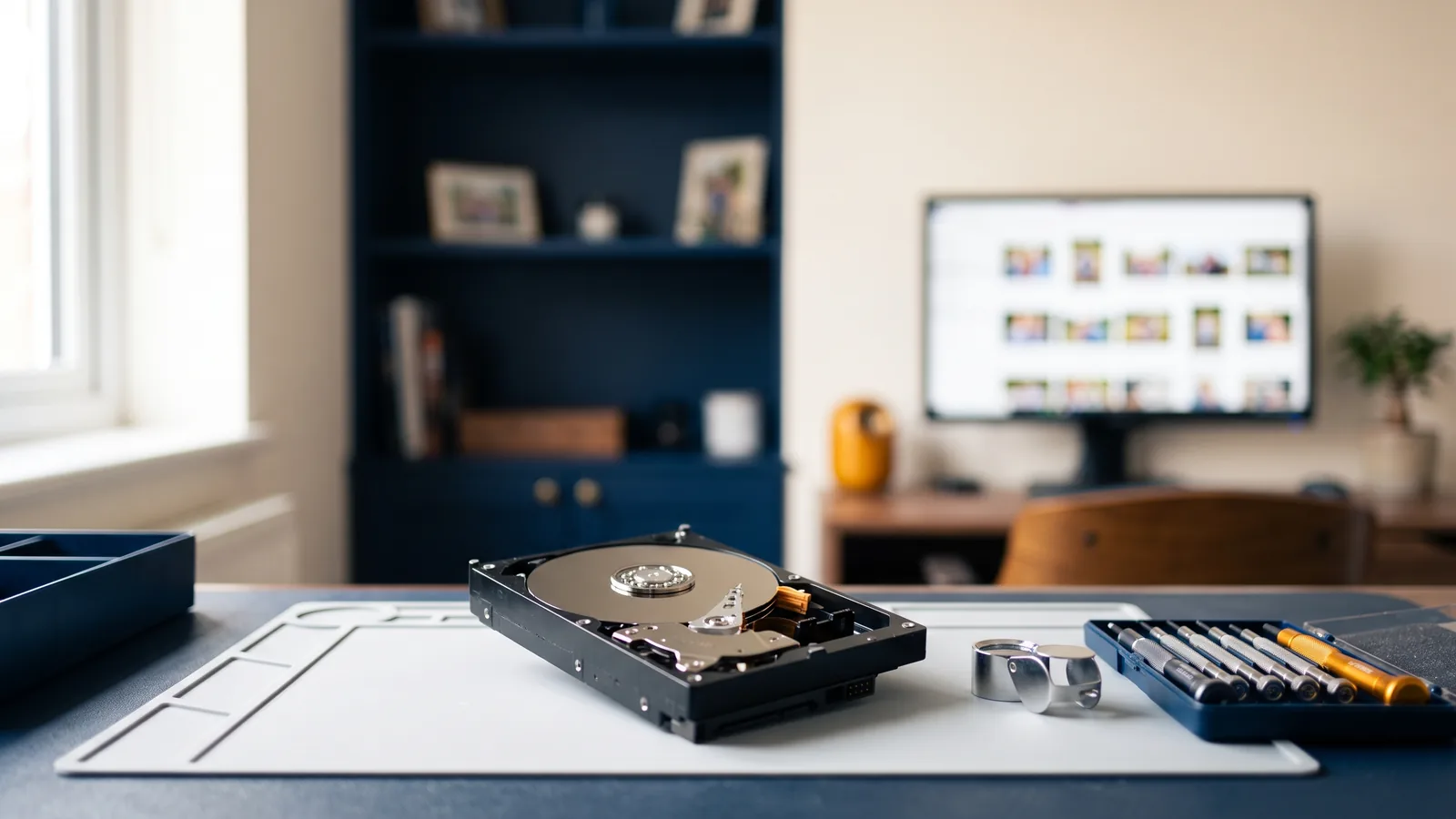
Few feelings in modern life compare to the cold sweat that breaks out when you plug in your external backup drive, only to hear a rhythmic click... click... beep... and realise ten years of irreplaceable family photos and tax records have vanished. If that is your drive right now: stop using it, power it down, and call (01344) 935008 — the sooner the drive stops spinning, the more I can recover, and every recovery starts with a free, honest assessment.
When data disaster strikes in Ascot or Sunningdale, the natural human reaction is frantic action: typing "free data recovery download" into Google, running aggressive disk check commands, or repeatedly power-cycling the drive.
Here is why you must resist that urge — and how files are actually rescued by skilled engineers.
Rule #1: The More You Try to "Fix" It at Home, the Harder Recovery Becomes
When a mechanical hard drive starts failing, its microscopic read/write heads are physically degrading. Every second that the drive spins, those heads can scrape against the delicate magnetic platters, permanently grinding away the physical magnetic film where your wedding photos live.
Free downloaded software forces a dying drive to read every single sector at maximum speed, often delivering the fatal physical scratch before a proper clone can be created.
🛑 The 3 Emergency Golden Rules of Data Loss:
- Power Down Immediately: Unplug the drive or shut down the laptop. Do not reboot it.
- Listen for Hardware Noises: If you hear clicking, buzzing, or grinding, software cannot fix physical damage.
- Never Write New Files: If files were deleted, any new web browsing or downloads can overwrite those exact sectors.
How I Recover Data at Berkshire IT Services
My professional data recovery and automated backups service uses specialised forensic imaging hardware. Instead of stressing the drive, my equipment reads degraded magnetic media with controlled voltage and creates a bit-by-bit raw disk image first.
Once the raw image is secured, I reconstruct the damaged partition tables, master file tables (MFT), and individual file headers from the clone — keeping your original drive safe from further wear.
No Recovery = No Fee Guarantee
I believe you shouldn't have to gamble your hard-earned money when facing a digital crisis. I operate a strict No Recovery = No Fee policy. My local Ascot computer technicians and Sunningdale home visit engineers inspect the drive upfront, identify what is recoverable, and give you an honest quote before you spend a single penny.
Once your precious memories are restored, I migrate them to a robust high-speed SSD and set up an automated, encrypted "set-and-forget" cloud backup — configured to the National Cyber Security Centre's backup guidance — so you never have to experience data loss terror again.